
VMS SouRCe™ Modules
Reimagining surveillance for a new modern era. A modular video management platform that scales from single-site to enterprise deployment.
Our surveillance software is grouped by general function. At the center are the Core modules — the minimum needed to get up and running. Scale out with Monitoring center modules, then go technical with Network management modules. Finally, run any Additional modules as needed.
Screenshots
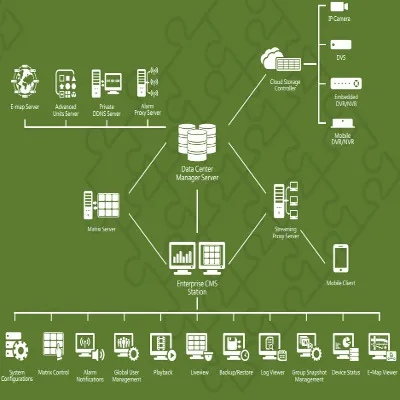
Centralized
The Data Center hosts the VMS database, which other components login to in order to view, control & configure the platform.
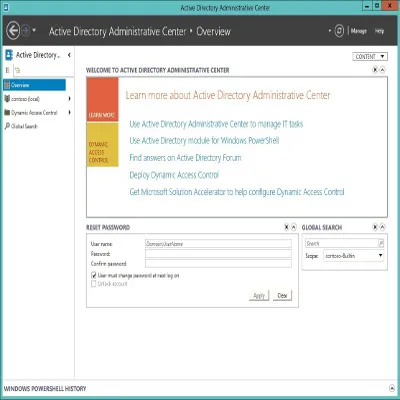
Active Directory
Integrated with Microsoft AD™ so your IT can use their existing method of adding/removing users.
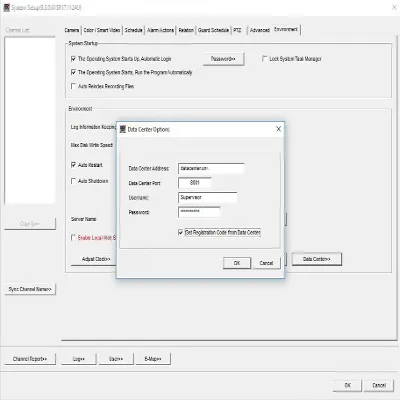
License Management
No need to activate client licenses or mess around with licence codes on the video recorder.
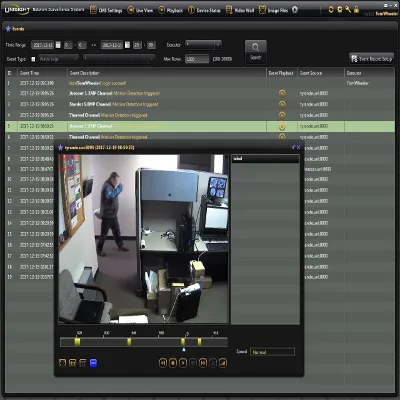
Video Logs
Log entries related to recordings are linked to the video files — simply click play to watch the event.
Screenshots
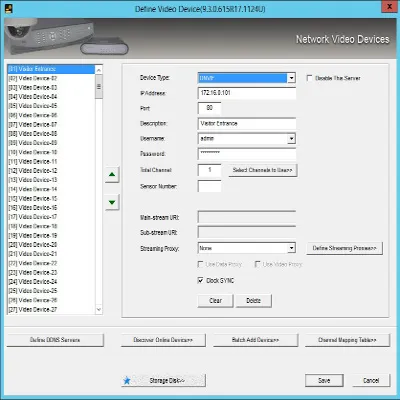
HD/SD Playback
Play back recorded video in both high and standard definition from the Storage Center.
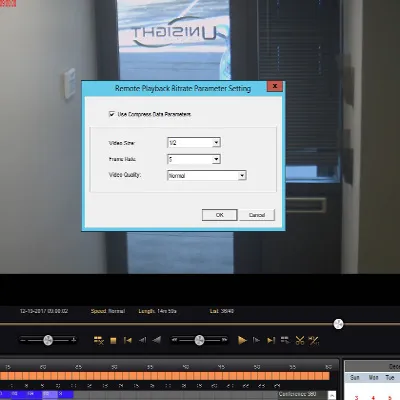
Realtime Management
Monitor and manage recording health, disk status, and stream performance in real time.
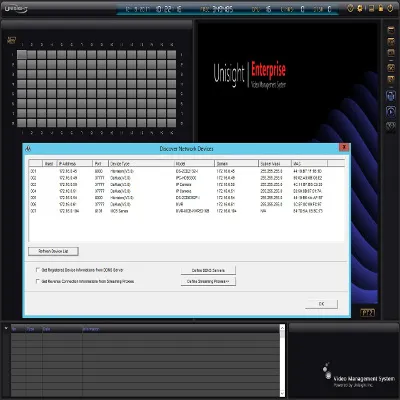
Storage Configuration
Configure recording schedules, pre/post alarm buffering, and retention policies per camera.
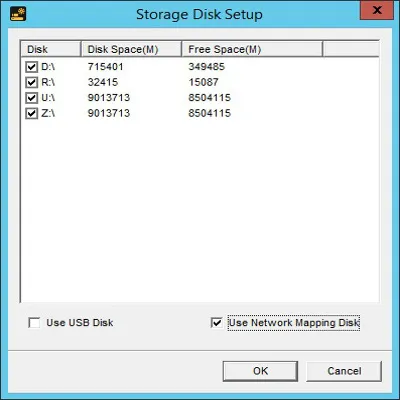
Disk Health
Track hard drive health and receive alerts before disk failures cause recording gaps.
Screenshots
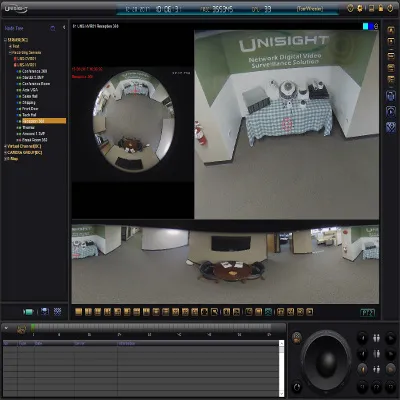
Clip Export
Export selected video segments to a universal format for evidence and sharing.
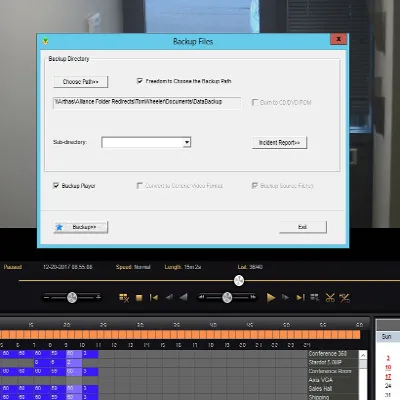
Sync Playback
Play back multiple cameras simultaneously to reconstruct events from different angles.
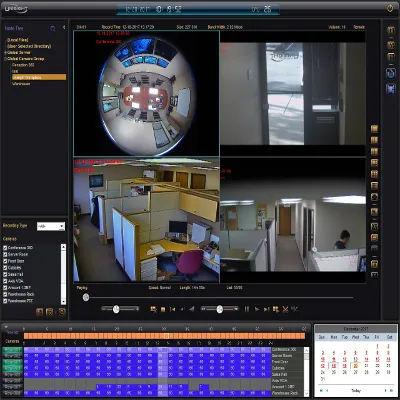
Audio Alerts
Visual and audio alarm indicators for instant attention when events occur.
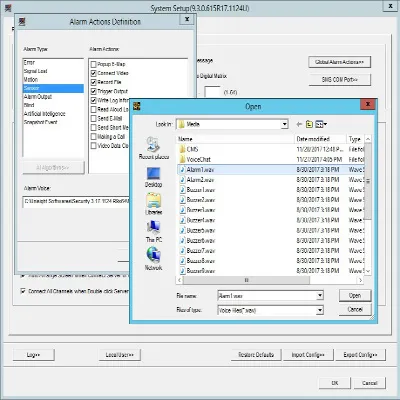
Live View Grid
Flexible multi-camera live view layouts from 1-up to full wall monitoring.
Screenshots
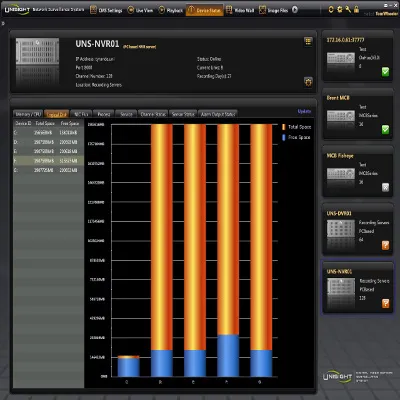
System Health
Dashboard overview of all module statuses, server health, and connectivity at a glance.
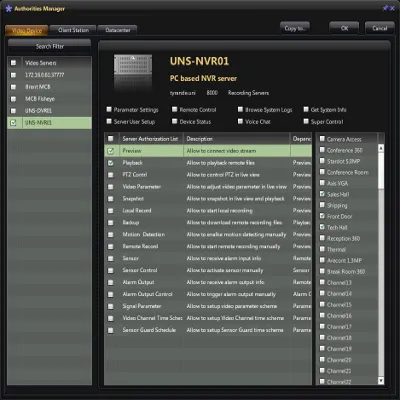
User Management
Create global users, assign roles, and set permissions across the entire platform.
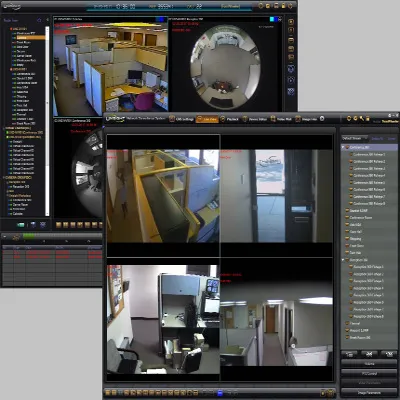
Secondary Screen
Runs on a secondary display in parallel to the Client for dedicated administration.
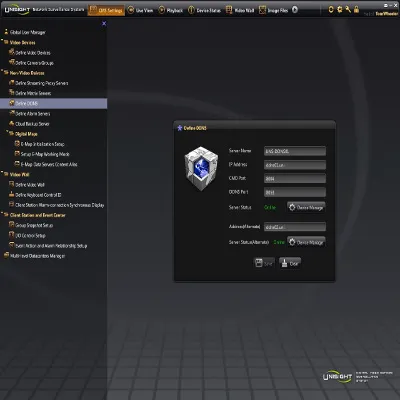
Unification
Manage all DVR/NVR servers, devices, and settings from a single unified interface.
Screenshots
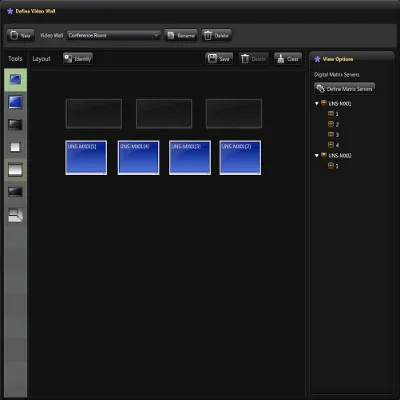
Virtual Video Wall
Create a distributed video wall across multiple monitors or workstations.
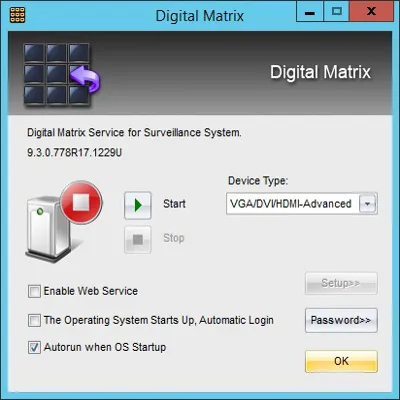
Scheduled Displays
Automatically switch layouts based on time schedules, events, or alarms.
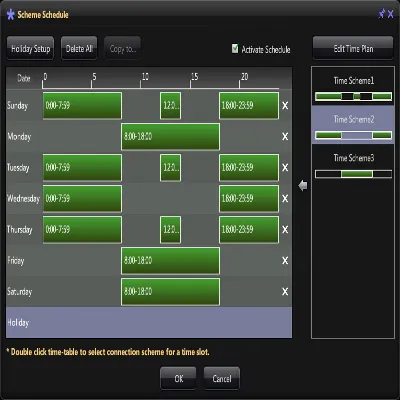
Layout Configuration
Drag-and-drop camera placement to design custom wall layouts.
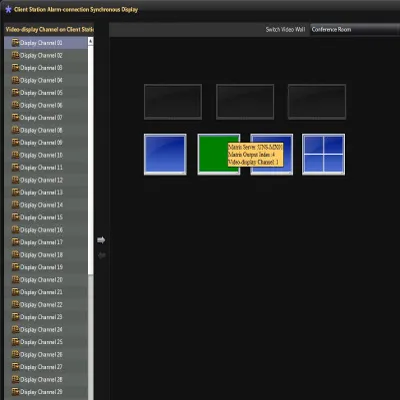
Alarm-triggered Layouts
The wall reacts to alarms by pulling up relevant camera views automatically.
Screenshots
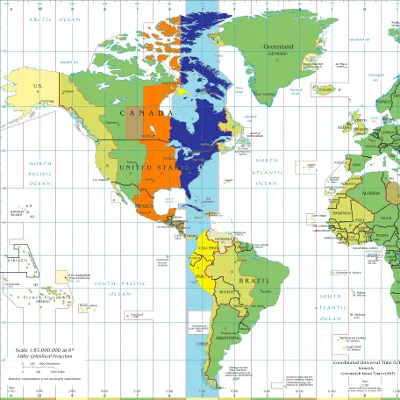
Geographically Aware
Synchronize time on DVR/NVR systems even across different time zones.
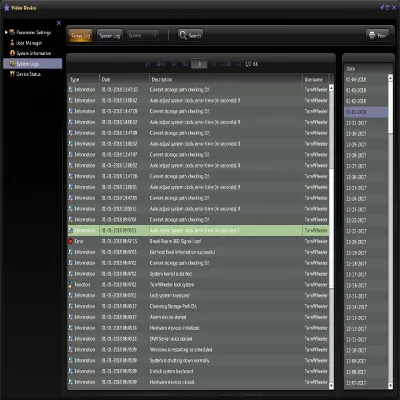
Detailed Logging
Comprehensive time synchronization logs for audit and compliance.

NTP Source
Use external NTP sources or the Advanced Unit as the master time clock.
Screenshots
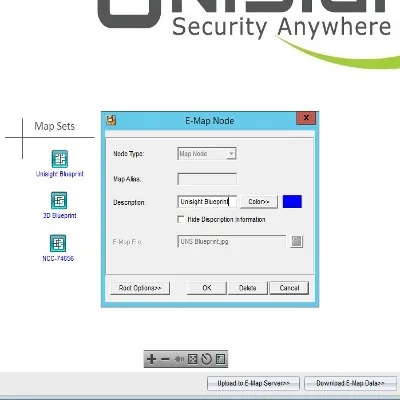
Embedded Maps
Display floor plans and site maps with camera positions overlaid.
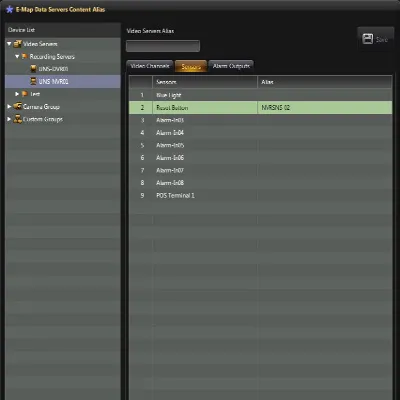
Emap Alerts
Alerts pop up directly on the map at the exact camera location.
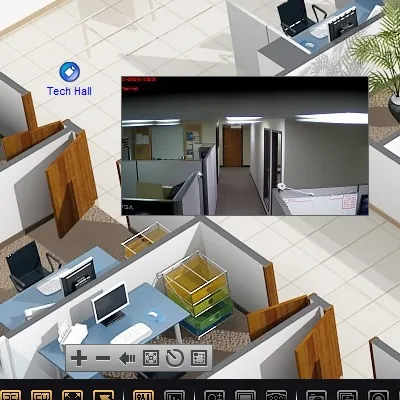
Camera Preview
Hover over a camera icon to see a live thumbnail preview.
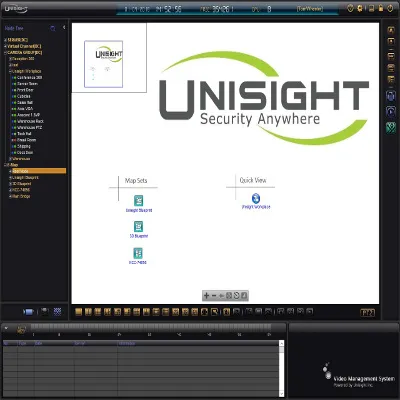
Shortcuts
Quick-access buttons to jump between floors, zones, and key areas.
Screenshots
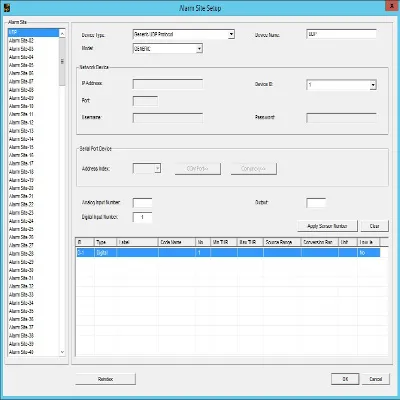
Access Control Integration
Tie door events, card swipes, and relays to VMS alarms and camera popups.
Screenshots
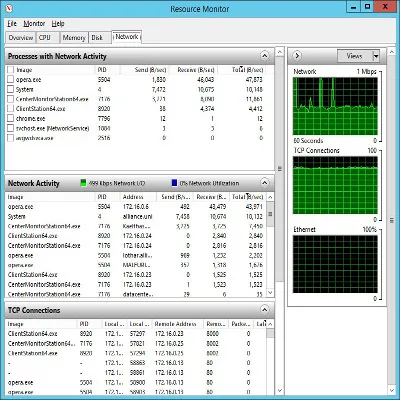
Bandwidth Management
Offload streaming bandwidth so multiple viewers don't strain the camera or NVR.
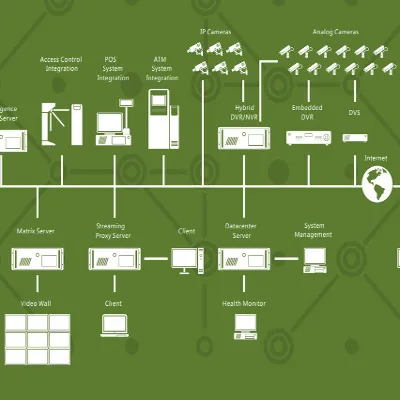
Open Architecture
Transcode and translate video streams for smartphone and remote access.
Screenshots
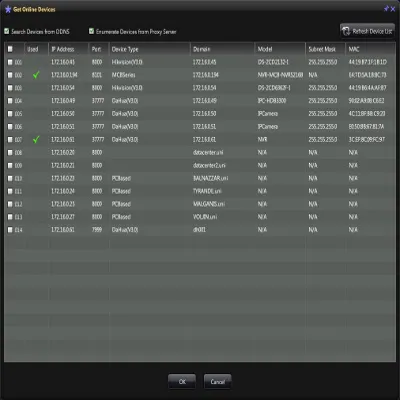
Online Devices
See all devices and their hostname resolution status in one view.
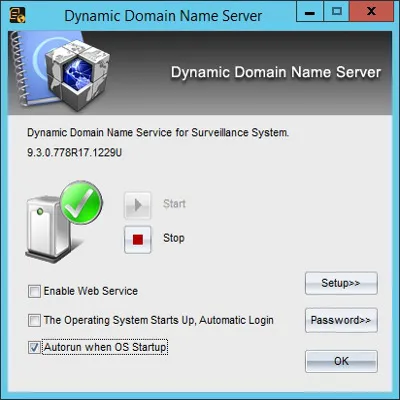
DNS Forwarding
Forward hostname requests through the internal DDNS resolver.
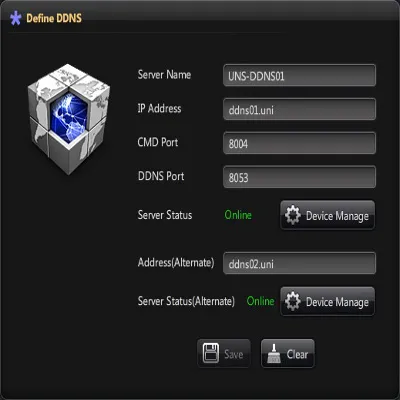
Fault Tolerant
Redundant DNS resolution keeps your deployment online during network changes.
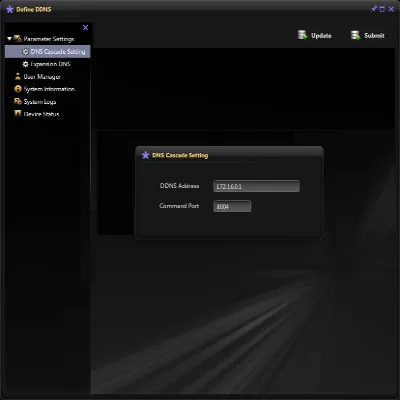
Scalable DNS
Manage hundreds of devices by hostname instead of static IP addresses.
Screenshots
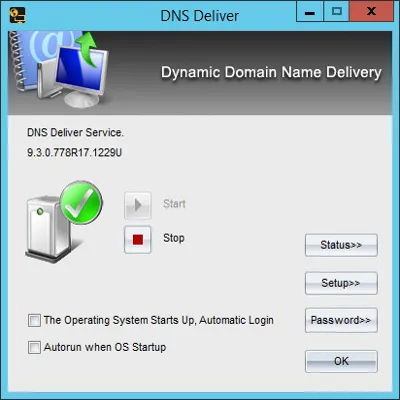
Reverse Lookup
Reports any IP address changes back to the DDNS module automatically.
Screenshots
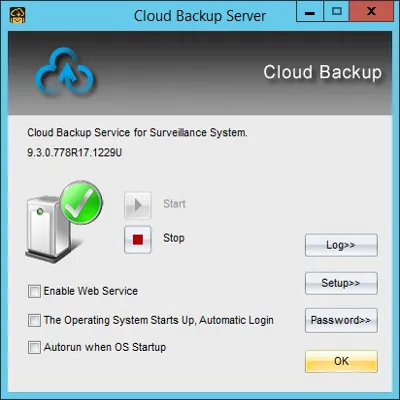
Clip Upload to Cloud
When an alarm triggers, the clip is automatically converted and uploaded to FTP or cloud storage.
Screenshots
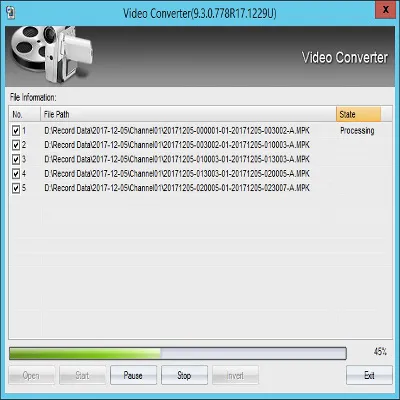
Batch Conversion
Convert multiple .MPK files at once in a queue for efficiency.
Universal Format
Outputs standard .AVI (WMV codec) playable on any system without VMS software.
Screenshots
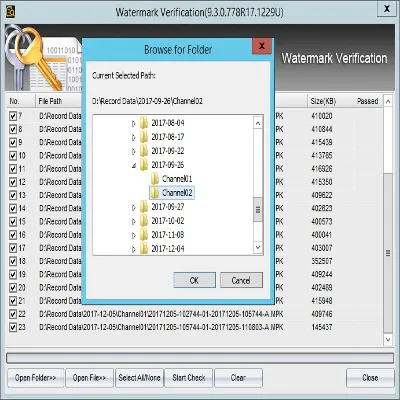
Batch Verification Jobs
Verify multiple video files in batch to confirm evidence integrity.
Fast Processing
Quickly check watermark authenticity with near real-time processing speed.
Screenshots
SD/HD Viewing
Choose streaming quality based on your network — WiFi or 3G/4G.
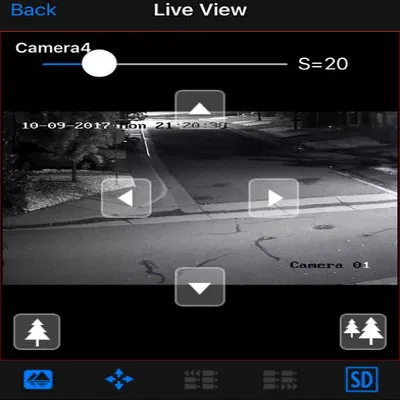
Live Video
Watch live camera feeds from anywhere on your phone or tablet.
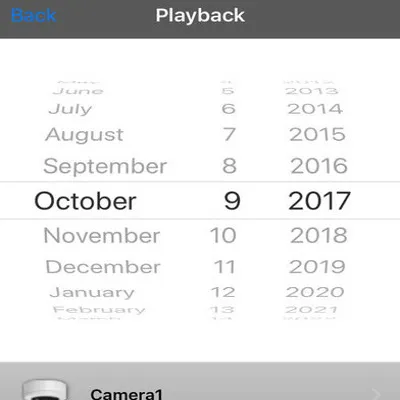
Playback
Search and play back recorded video remotely from your mobile device.
From Small To Large
Scalability
Each feature pack in the Unisight VMS platform is encapsulated within an individual module. You only need to run the necessary modules for your surveillance deployment — reducing system resource requirements and minimizing your installation footprint.
This lowers total cost of ownership by keeping hardware costs down and maintenance to a minimum. As your installation grows, simply build on the core modules and scale out. From small to large, Unisight VMS is designed to give you what you need.



For When It Matters
Reliability
Bypassing the standard all-in-one paradigm, Unisight VMS modules eliminate single-point-of-failure bottlenecks. Running multiple modules in parallel provides High Availability (HA) for critical system functions.
Unlike competing VMS bundles that incorporate failover at the application level, Unisight elevates redundancy to the host OS — letting you run clusters of VMS hypervisors to protect against physical, logical, and communication anomalies.
Meeting Your Needs
Customizability
Unlike linear step-by-step configuration, Unisight VMS offers a virtual toolbox of modules you can mix and match to create regular reactions or truly unique functionality not possible on any other platform.
With Unisight's experience across all manners of industries, you can meet all requirements and comply with necessary regulations.

Need a Custom VMS Solution?
Tell us about your surveillance requirements — our engineers will design the right module combination for your deployment.
Contact Us